
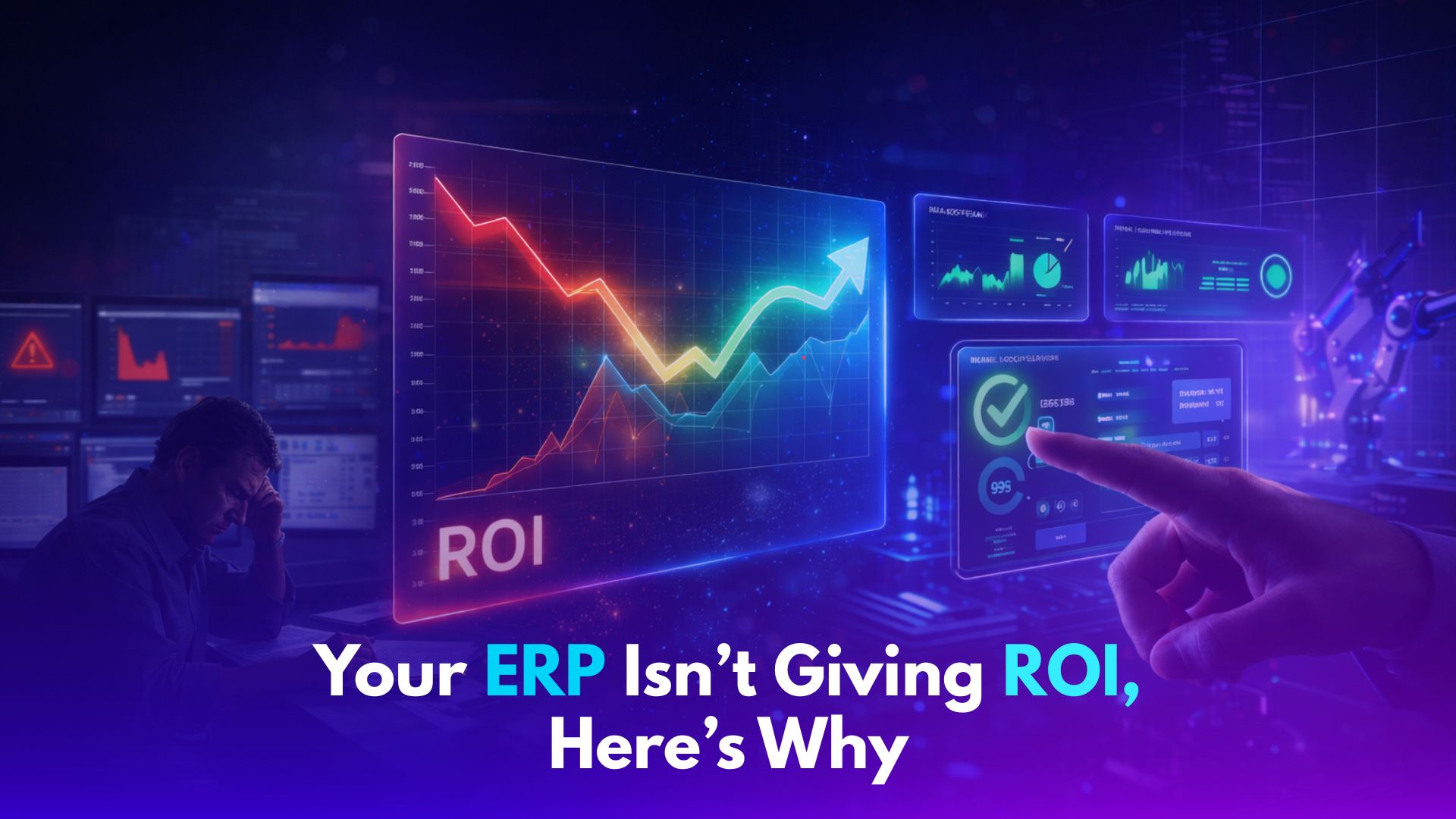
You Installed the ERP. So Why Is Nothing Changing?
You went live.
Months of implementation.
Training sessions done.
Dashboards built.
And still-
Your team exports data to Excel.
Production updates come through calls.
Reports are “fixed” before meetings.
The ERP exists.
But decisions still don’t happen inside it.
The Problem Isn’t the ERP. It’s How It’s Being Used.
Walk into your factory floor reality:
Planning happens outside the system
Inventory numbers don’t match across teams
Sales commits without real production visibility
Reports take hours to prepare
The ERP is there.
But your team doesn’t rely on it.
So they build parallel systems.
And slowly-
Excel becomes the real ERP.
What This Is Actually Costing You
This isn’t just inefficiency.
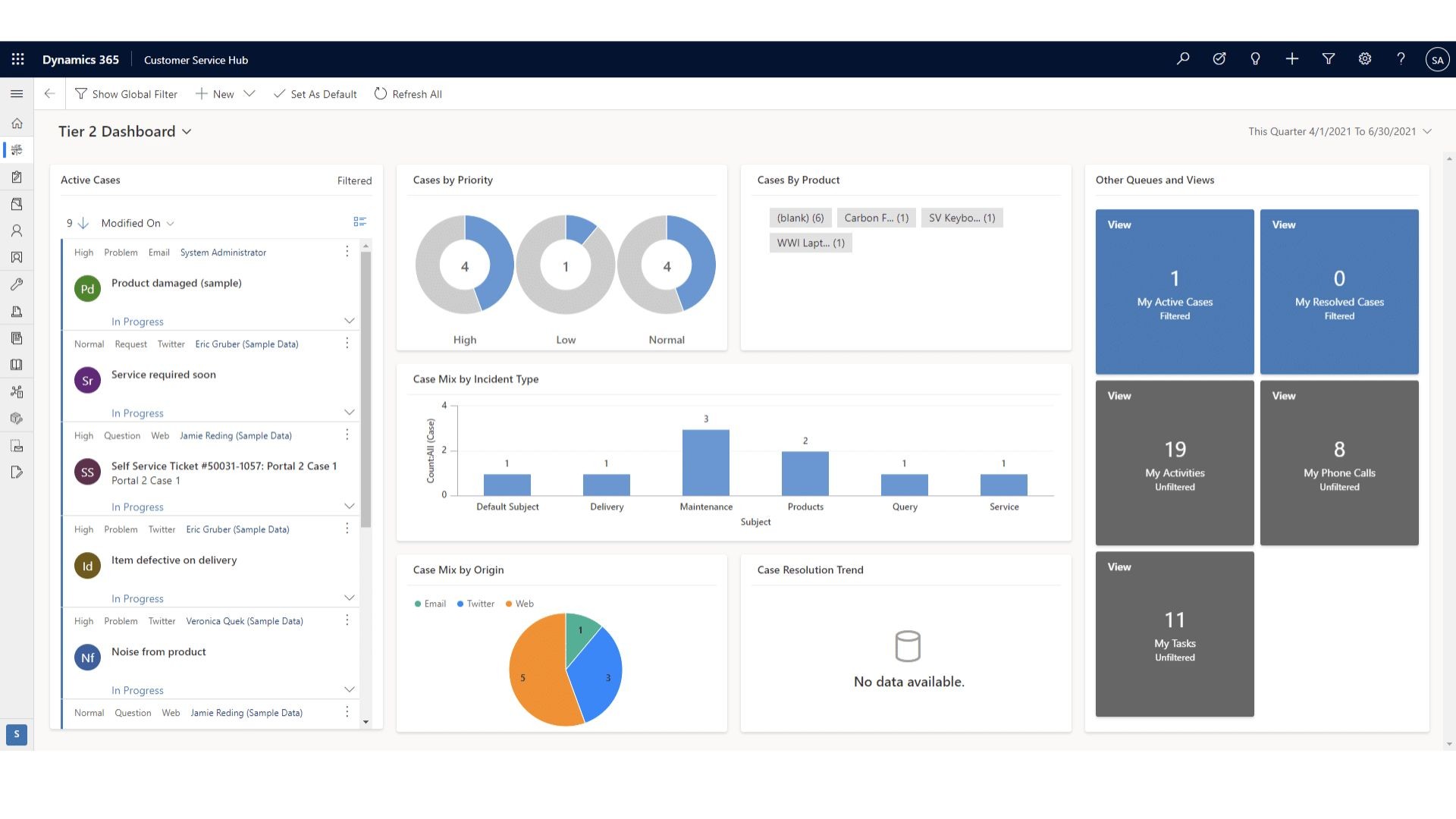
It’s a visibility gap.
Delayed reports → delayed decisions
Manual updates → higher error risk
Multiple data sources → no single truth
Leadership sees dashboards.
But the ground reality?
Still fragmented.
The Discovery Most Companies Miss
Here’s the shift:
Your ERP is not underperforming.
It’s under-aligned.
Most implementations follow a template.
Standard workflows.
Generic configurations.
Minimal customization.
But manufacturing is not standard.
Your plant has:
Unique production logic
Real-world exceptions
On-ground decisions that don’t follow “system rules”
So, what happens?
The ERP says one thing.
The team does another.
And the system slowly loses relevance.
What Actually Needs to Be Customized (And why)
This is where most companies get stuck.
They know something is wrong.
But not what to fix.
Here’s what actually matters:
1. Production Workflows
What to customize:
Routing logic
Job sequencing
Exception handling (machine downtime, urgent orders)
Why:
Because real production never follows a perfect plan.
End result:
Plans that reflect reality → fewer last-minute changes
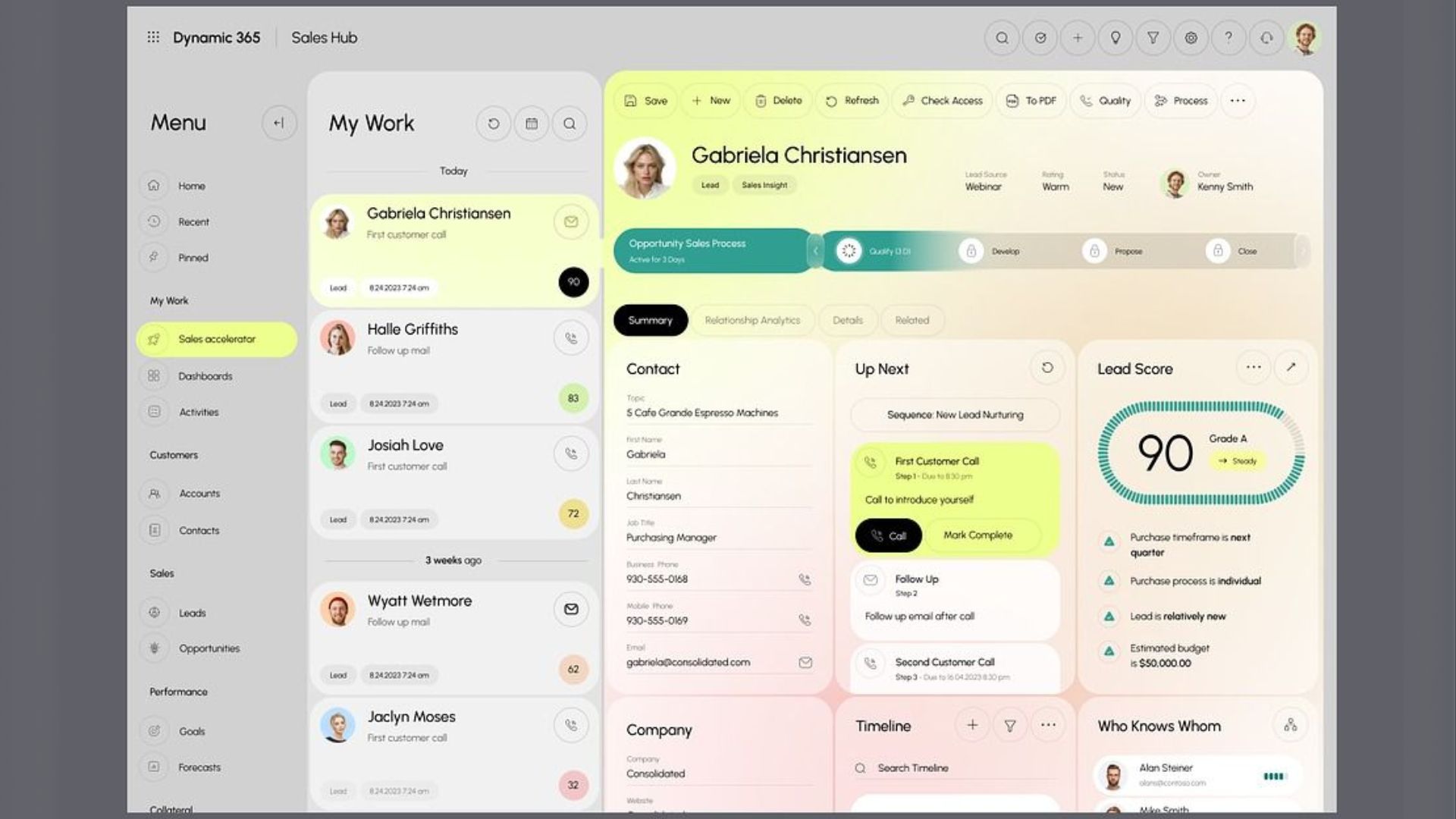
2. Sales ↔ Production Alignment
What to customize:
Order commitment logic
Available-to-promise visibility
Real-time capacity sync
Why:
Sales should not promise what production can’t deliver.
End result:
Fewer delays → higher customer trust
3. Inventory & Material Visibility
What to customize:
Real-time stock tracking
Batch/lot visibility
Movement tracking across locations
Why:
Inventory errors are decision errors.
End result:
Accurate planning → reduced stockouts & excess
4. Reporting & Dashboards
What to customize:
Role-based dashboards (CFO vs plant head vs planner)
Live KPIs instead of static reports
Why:
Different decisions need different views.
End result:
Faster decisions → no waiting for reports
5. Shop-Floor Data Integration
What to customize:
Machine data capture
Operator inputs
Real-time production updates
Why:
Without shop-floor data, ERP is always behind reality.
End result:
Live system → proactive decisions
What This Looks Like in Practice
Before:
ERP implemented but underused
Excel-based planning and reporting
Frequent mismatches in data
After customization & alignment:
ERP aligned with real workflows
Real-time visibility across departments
30–40% reduction in manual reporting
Faster, more confident decisions
The ERP didn’t change.
The system started making sense.
--
Author: Kirit Mandavgane, Chief Strategy Officer at NSquare Xperts
A seasoned Microsoft technology strategist specializing in Microsoft Dynamics 365, the Microsoft Power Platform, and Microsoft Copilot. He advises organizations on CRM, ERP, automation, and AI initiatives, helping them accelerate digital transformation and achieve measurable business outcomes.


